 7b695d7b7f
- Add null check for message.message in search filter
- Handle missing colorScheme/colorSchemeChanged methods for older Qt versions
- Add display check to prevent hanging in headless environments
- Update build documentation with system package alternative
- Update PyInstaller spec for Python 3.12
- Improve run.sh script with venv management
Gotify Tray
A tray notification application for receiving messages from a Gotify server.
Getting started
-
or, install via pip:
$ pip install gotify-tray -
or, run from source:
$ pip install -r requirements.txt
$ python -m gotify_tray
Features
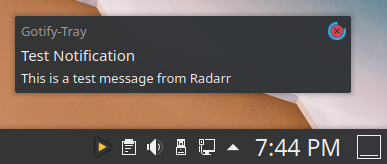
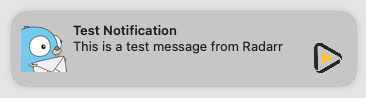
- Receive gotify messages in the native notification area.
- Reconnect after wake from sleep or losing network connection.
- Disable notification banners for low priority messages.
- Manually delete received messages.
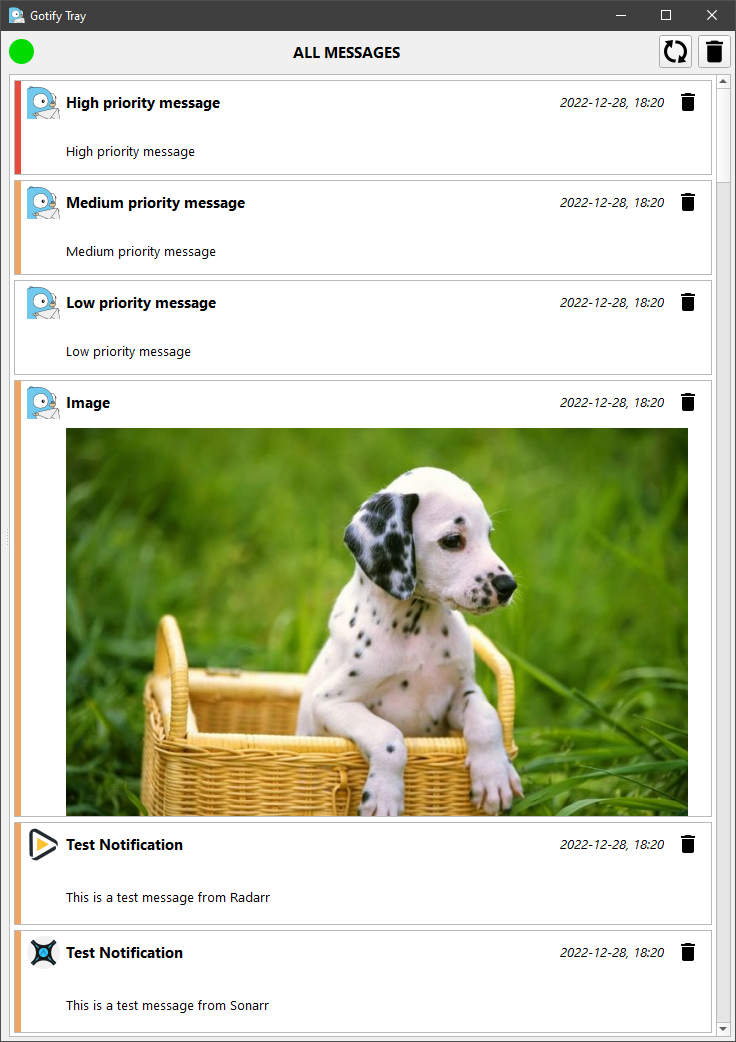
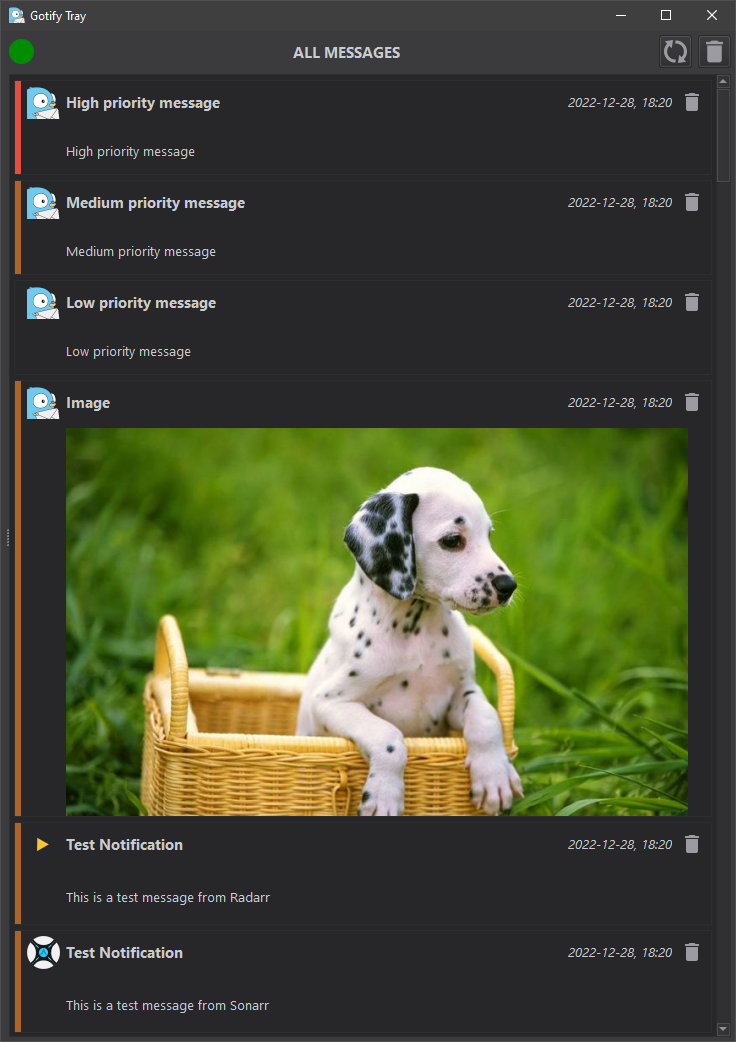
- Go through a history of all previously received messages.
- Receive missed messages after losing network connection.
Customizations
- Persistent Notifications for Priority 10: Messages with priority 10 display as persistent pop-up windows that stay on screen until clicked, with a flashing background for attention.
- Sound Notification Control: Option to play notification sound only for priority 10 messages.
- Multiple Persistent Notifications: Multiple priority 10 messages stack vertically and can be closed all at once by clicking any one or the tray icon.
- Enhanced UI Settings: Added configurable options for persistent notifications and sound behavior in the settings dialog.
Images
Main window
| Default | Dark |
|---|---|
 |
 |
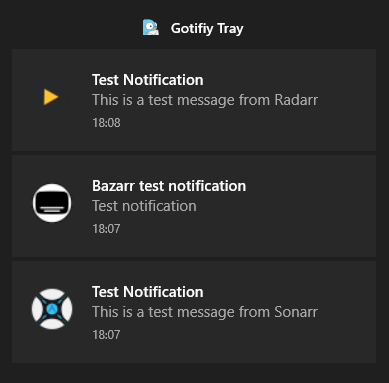
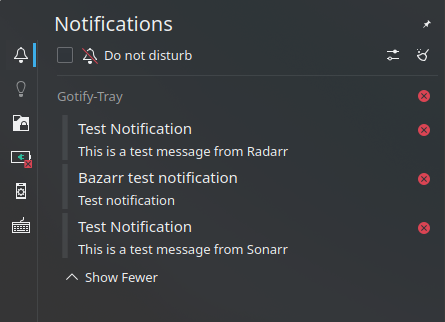
Notification banners
| Windows 10 | KDE | MacOS 12 |
|---|---|---|
 |
 |
 |
 |
 |
Build instructions
See BUILDING.
Requirements
- python >=3.10